AI MEETS THE PHYSICAL WORLD

Build with AI.
Run in the
real world.

Your idea. Your AI. Cameras, data and actions that keep working after the chat ends.

Find an idea

Start with Claude or Codex. Run with DISPL.
PRODUCT PREVIEW Create your brief today. Device connections coming next.
workspace-occupancyILLUSTRATIVE EXAMPLE
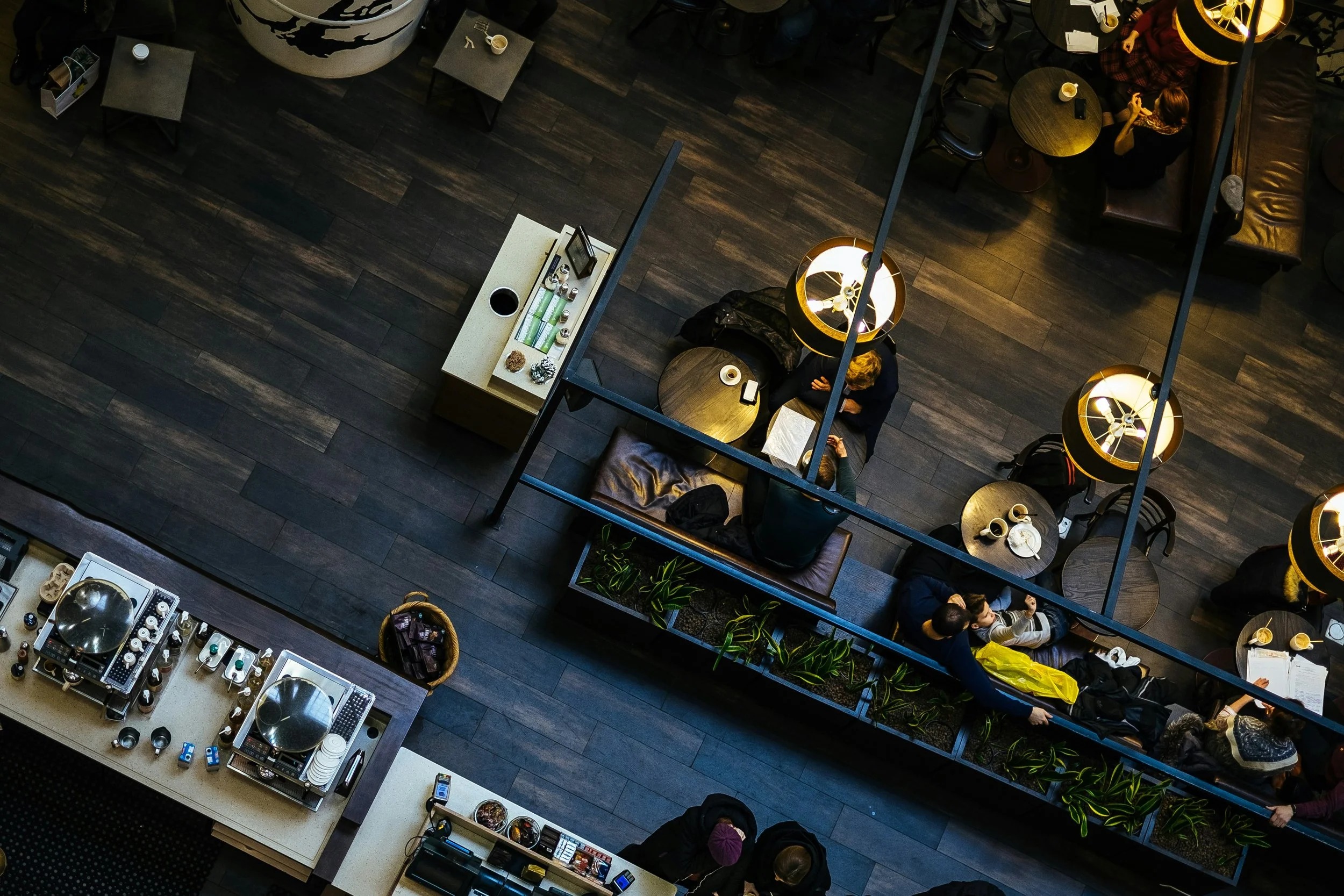
An overhead café photograph illustrating a shared-space camera view CAMERA 01 COMMON AREA
Space → structured dataOccupancy event ready for your app

“Build an app that tells me when this space is busy.”

chat closedapp keeps running

Trusted by companies of all sizes.

Customers of DISPL signage & analytics.

  • Coca-Cola
  • Bang & Olufsen
  • AROS
  • Breezy
  • Tikkurila
  • Kotsovolos
  • Prestigio Plaza
  • Mubashir
YOUR AI.
YOUR WAY TO BUILD.

DISPL connections are in development.
A REAL PLACE. YOUR NEXT APP.

See the possibility.
Build it.

FROM WHAT YOU SEE TO WHAT YOU DO

One prompt.
A new possibility.

EXAMPLE / REAL-WORLD DATA

A space that
updates your app.

Count occupancy. Send an event. Let your product take it from there.

“When this workspace is busy, send an occupancy event to my app.”

Illustrative workflow · preview
Fitness space for an occupancy appYOUR REAL WORLD → YOUR APP
CAMERADISPLYOUR APP
View sample event occupancy.event.json
{
  "event": "space.busy",
  "source": "workspace_camera_01",
  "occupancy": 12,
  "action": "send_webhook"
}
A signal your software can use.Structured events, ready for your application.
YOUR IDEA → REAL-WORLD EXECUTION

Describe. Connect. Run.

01

Describe it.

Create your app brief with Claude or Codex.

02

Connect it.

Link supported devices. Approve actions and budget.

03

Leave it running.

DISPL runs your app beyond the chat.

Device connections and self-service deployment are in development.

THE PHYSICAL WORLD, CONNECTED

Thousands of devices.
One connection.

DISPL is the shared data bus between your locations and your vibe-code app.
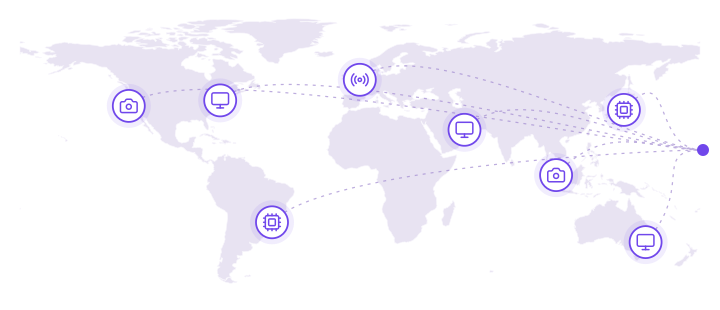
01 / YOUR LOCATIONS

Every place. Every device.

Cameras, screens, edge devices and sensors across eight illustrative locations on a world map, joined into one network
CamerasDisplaysEdge devicesSensors
Stores · Offices · Warehouses · Hotels · More
02 / THE SHARED BUS

Existing infrastructure.

  • Cross-platform runtime
  • Remote device management
  • Telemetry & monitoring
  • Watchdogs
  • Trigger logic
  • Embedded CV
  • P2P / local mechanics
  • API & integrations
  • Device communication
  • Application containers
One network. Both directions.API + MCP
03 / YOUR SOFTWARE

Your vibe-code app.

You build the experience.

IN
Read the real world.Know what’s happening.
OUT
Act in the real world.Make devices respond.
Build withClaudeCodex
THE INFRASTRUCTURE IS OUR JOB

You build the app.
We keep it running.

01

Cameras & devices

Connect supported physical hardware.

02

Vision, data & actions

Turn observations into useful next steps.

03

Runtime & remote operations

Deploy, monitor and manage your apps.

Good to know.

What can I create today?

Build an app brief and prototype with your AI. Live DISPL device connections are in development.

Will my devices work?

Support depends on the device, connection and runtime. Compatibility is checked before deployment.

Do I need to be a developer?

Start with a job to be done. Describe it to your AI, or build directly with APIs.

PRICING PREVIEW

AI eyes. AI devices.
AI displays. One plan.

Connect screens, cameras and edge devices.
One shared credit balance covers what they do.

Launch

$49/ month

Launch a real-world app.

50,000shared DISPL credits / monthFor devices, audience data, delivery, history and cloud AI
Up to 10 managed screensConnection limit, not prepaid usage
Camera inputs
Up to 5
Edge devices
Up to 10
Managed screens
Up to 10
Scale

$299/ month

Run your network of apps.

400,000shared DISPL credits / monthFor devices, audience data, delivery, history and cloud AI
Up to 500 managed screensConnection limit, not prepaid usage
Camera inputs
Up to 250
Edge devices
Up to 500
Managed screens
Up to 500

Connected capacity and included usage are different. A screen or camera can be connected within your plan's limit; active days, events, AI, delivered files and retained data draw from its shared credits. Preview the monthly cost before you launch.

Every planMCP + API accessLocal app runtimeRemote device managementCached screen playback
01 / ACTIVE DEVICES

Connect plenty. Use what you need.

120 credits per active managed endpoint per day. An inactive registered device uses no daily credits. Playback events cost 5 credits per 1,000.

02 / AUDIENCE DATA

Insights have their own rate.

450 credits per 1,000 qualified audience contacts lasting at least one second. Cloud vision and other AI work use a task-specific rate shown before launch.

03 / DATA MOVEMENT & HISTORY

Each copy counts.

3,500 credits per GB delivered to each device and 2,000 per GB of retained data per 30 days. Standard telemetry costs 10 credits per 1,000 records.

Need more activity? Add 10,000 credits for $15, or move to a plan with a larger included balance. Extra credits do not increase connected-device limits. Auto top-up is off by default.

How are screens, cameras and edge devices counted?

Camera input: one connected video source. Edge device: one physical device running DISPL. Managed screen: one independently controlled output. The three plan limits are separate and apply to simultaneous connections.

A gateway with two camera feeds and three screen outputs uses 1 edge-device connection, 2 camera inputs and 3 screen connections. The same physical edge endpoint is charged only once for an active day. A camera without managed DISPL hardware does not require an edge slot, but an active standalone camera source counts as an endpoint day.

Plan limits do not promise that every connected device can run all month on the included credits. A bigger fleet uses more credits; to exceed a connection limit, change plans or contact DISPL.

What uses DISPL credits?

Active endpoint days, playback events, audience analytics, server-to-device delivery, stored history, telemetry and cloud AI all use the same shared balance. DISPL credits are service units, not an AI provider's text tokens and not cash.

A 1 GB file delivered from DISPL to 100 devices counts as 100 GB of delivery. AI model and task rates, including video processing with no detected visitors, are shown before execution.

Included credits renew each billing month without rollover. Purchased credits remain usable for 12 months. Auto top-up is off by default; the user sets a spending limit.

When the balance or spending limit is reached, new metered cloud work pauses with a warning. Supported cached playback can continue locally; dependent apps must show their degraded state. Existing paid-for history must not be silently erased.

Do 100 connected screens cost only $99?

The $99 plan allows up to 100 connected screens and 100 edge devices. If all 100 edge devices run for 30 days, device activity alone uses 360,000 credits, before plays, content delivery, telemetry and AI. The plan includes 120,000 credits. At that usage the $299 plan with 400,000 included credits is cheaper than topping up the $99 plan.

Standard telemetry is metered at 10 credits per 1,000 records of up to 4 KB; larger records count in 4 KB units. Retained history and content are metered by GB and time. Raw-video archiving needs a separate cost estimate.

Proposed launch plans in USD. Compatible device connections and self-service deployment are in development. Final rate card, supported hardware and cost estimate will be confirmed before purchase.

WHAT WILL YOU BUILD?

Your idea belongs
in the real world.

Pick a place. Describe an outcome.
Create something of your own.

Request DISPL early access ↗
APP MARKETPLACE / 36 BLUEPRINTS

Vibe coding.
Now beyond your
laptop and server.

Read the real world.
Control real devices.
Build your app on DISPL.

Ready-to-build ideas for Claude & Codex

36 ideas to make your own

Blueprints, ready for your AI. Live integrations depend on your setup.
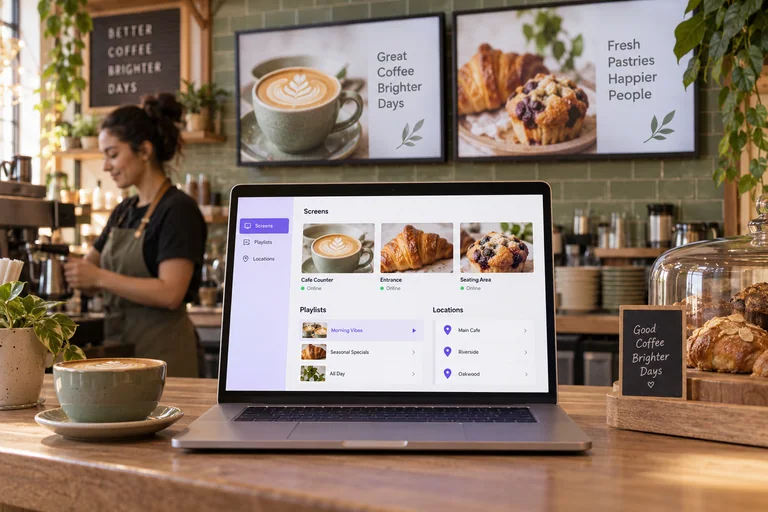
A laptop showing a screen playlist sits on a cafe counter beside matching digital menu displays.APP CONCEPT
Connected product · SaaS01 / 36

White-Label Signage SaaS

Your brand. Your customers. One platform to run their physical screen networks.
Your SaaSDISPLScreen fleets
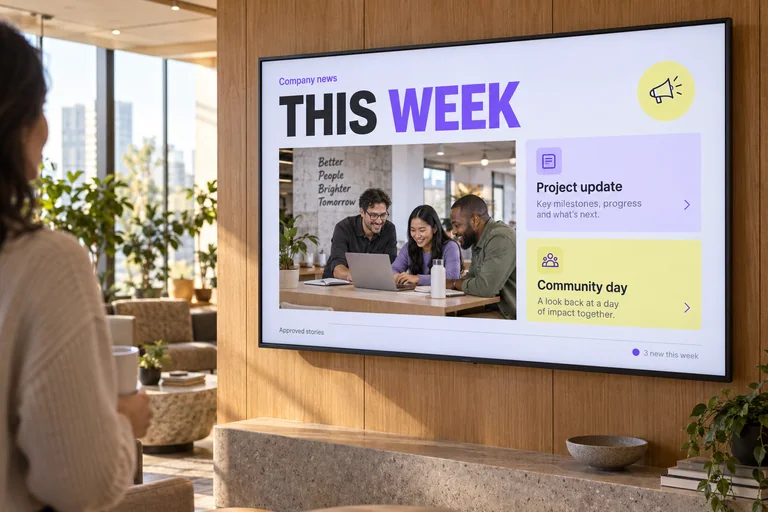
A large corporate news screen in a sunlit office lounge showing company updates.APP CONCEPT
Workplace02 / 36

Company Newsroom

Turn company results into approved news. Broadcast it across every office screen.
News appDISPLOffice TVs
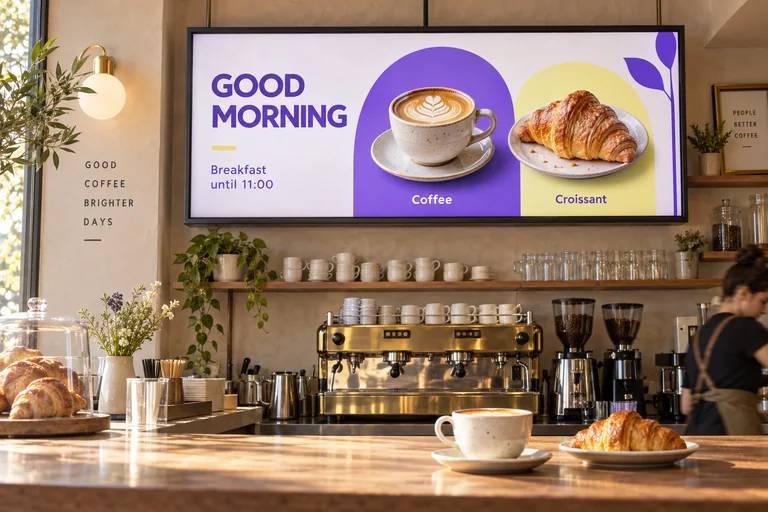
A digital breakfast menu above a warmly lit café counter with coffee and croissant imagery.APP CONCEPT
Food & beverage03 / 36

Smart Menuboard

Sync real menu screens with the POS. Switch dayparts. Hide sold-out items.
Menu appDISPLMenu screens
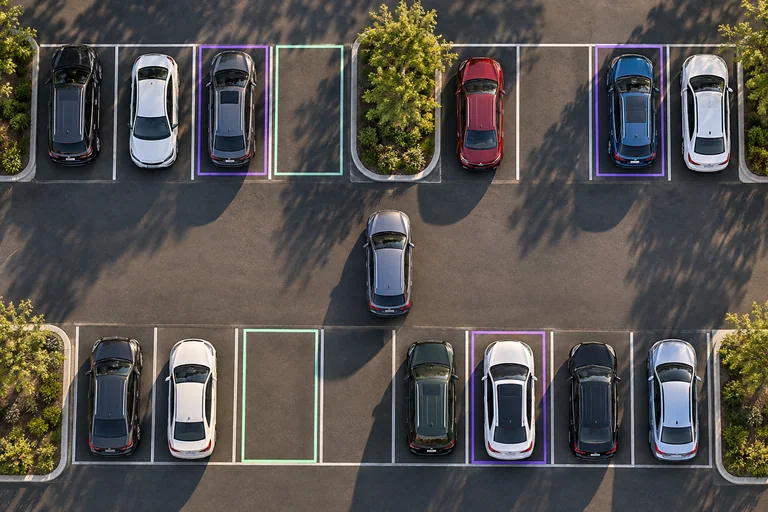
Overhead view of parked cars and empty marked spaces in a sunlit parking lot.APP CONCEPT
Parking04 / 36

Parking Counter

Count cars with cameras. Send availability to your app and entrance display.
CamerasDISPLParking app
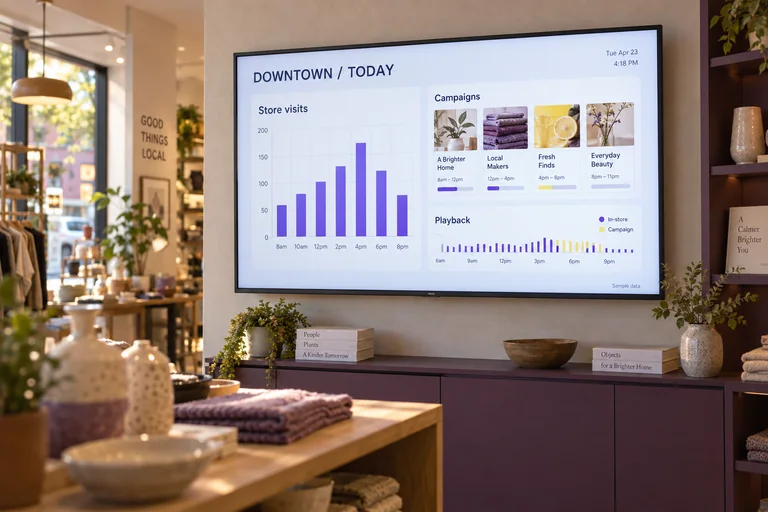
A local campaign and visitor dashboard on a large display inside a contemporary boutique.APP CONCEPT
Marketing05 / 36

Local Marketing Pulse

Put camera footfall and screen campaign results on each location’s dashboard.

CamerasDISPLLocal dashboard
Customers wait in a checkout queue at a bright grocery store beside an open neighboring lane.APP CONCEPT
Retail06 / 36

Queue Assistant

Camera spots a growing queue. Your app calls the floor team.
Queue cameraDISPLTeam app
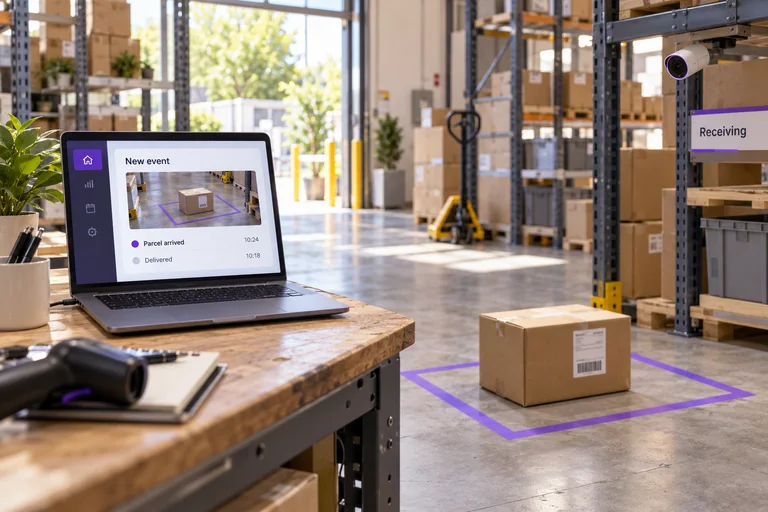
Warehouse parcel arriving in a marked bay beside a laptop showing a delivered event.APP CONCEPT
Any physical space07 / 36

Offline → Web App

A camera sees a change. Your web app gets a structured event.
CamerasDISPLWeb app
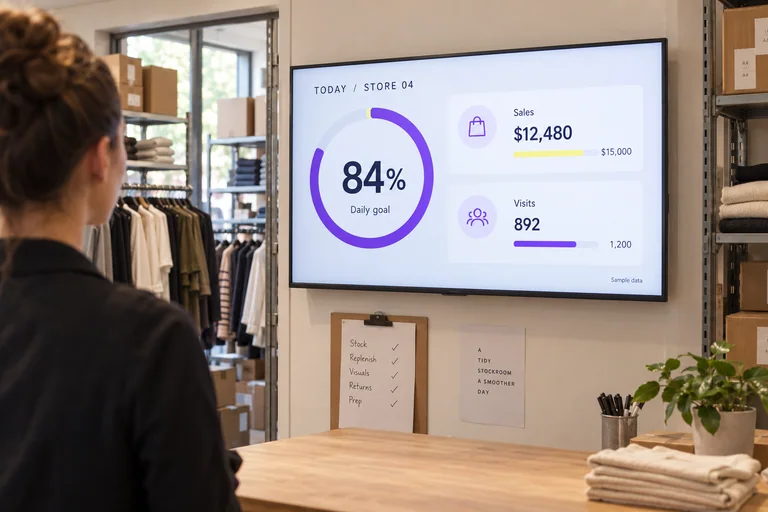
A store team display showing daily sales progress and visits beside a retail stockroom entrance.APP CONCEPT
Retail08 / 36

Store Scoreboard

Bring camera footfall, sales and daily targets onto every store’s team screen.
Your appDISPLTeam screens
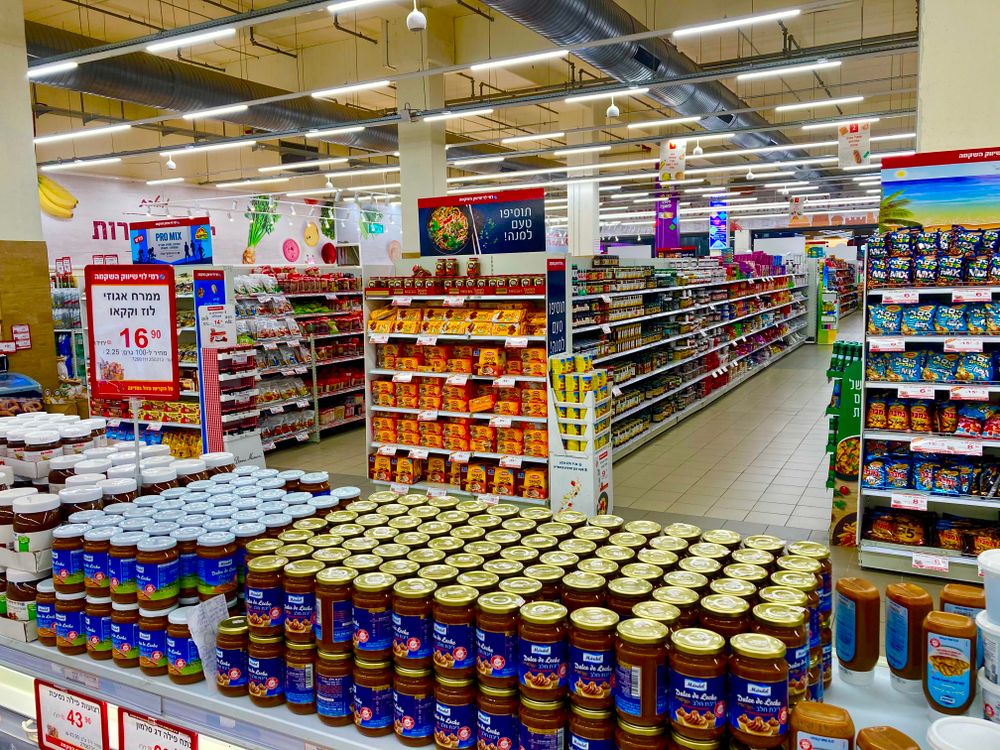
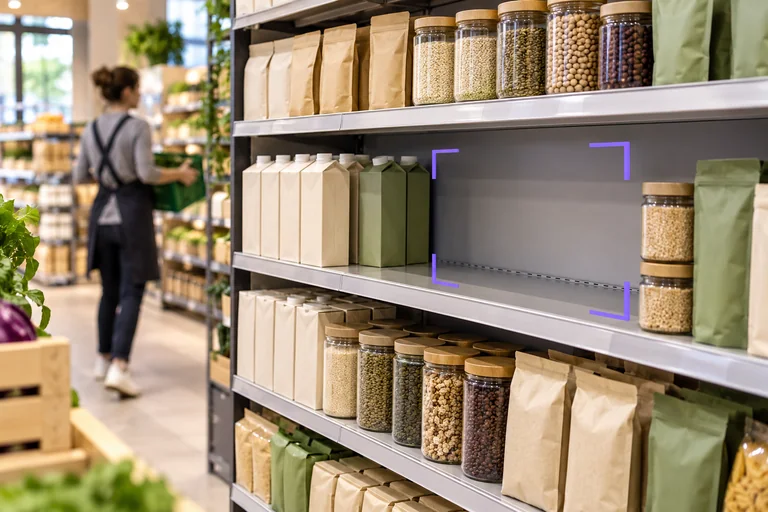
A clearly visible gap among grocery products on a store shelf.APP CONCEPT
Retail09 / 36

Shelf Refill Watch

A camera spots a shelf gap. Your app sends a refill task.
Shelf cameraDISPLTask app
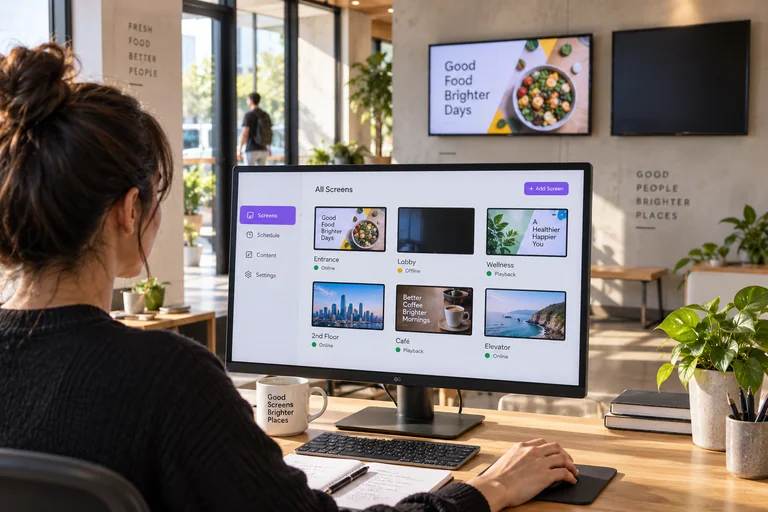
Operator reviewing a screen network dashboard with one offline screen flagged.APP CONCEPT
Device operations10 / 36

Screen Health Watch

Monitor screen heartbeats and playback. Manage approved recovery actions from your app.
Screen fleetDISPLOps app
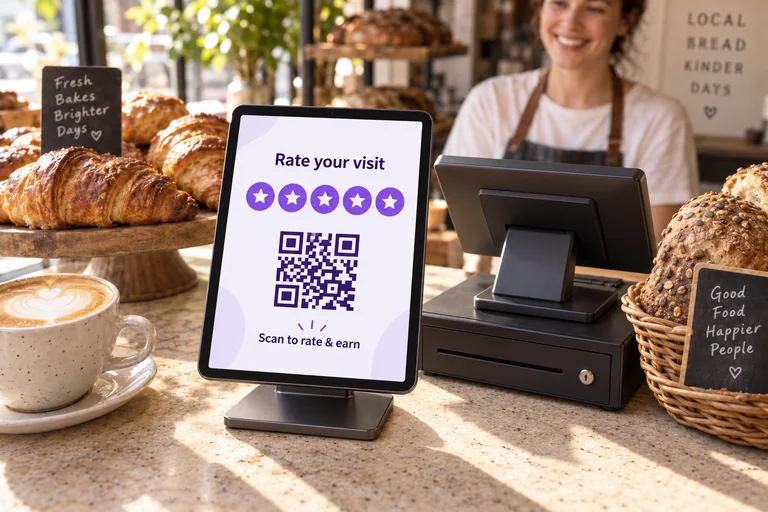
A tablet on a countertop stand shows five service rating stars and a QR code beside a cash register in a warm bakery.APP CONCEPT
Connected product · Loyalty11 / 36

Visit & Earn Kiosk

A checkout tablet collects ratings. QR rewards link the visit to your app.
Touch tabletDISPLRewards app
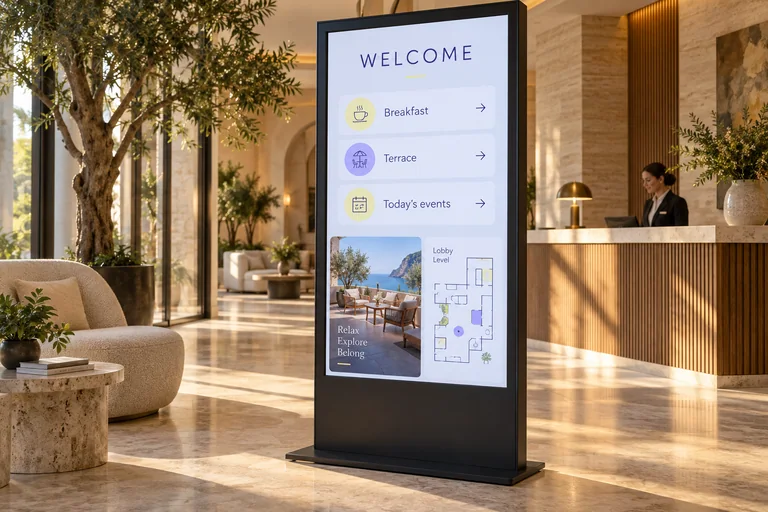
A freestanding concierge display in a calm hotel lobby showing welcome information and directions.APP CONCEPT
Hospitality12 / 36

Lobby Concierge

Keep lobby displays current with approved events, directions and local updates.
Concierge appDISPLLobby screens
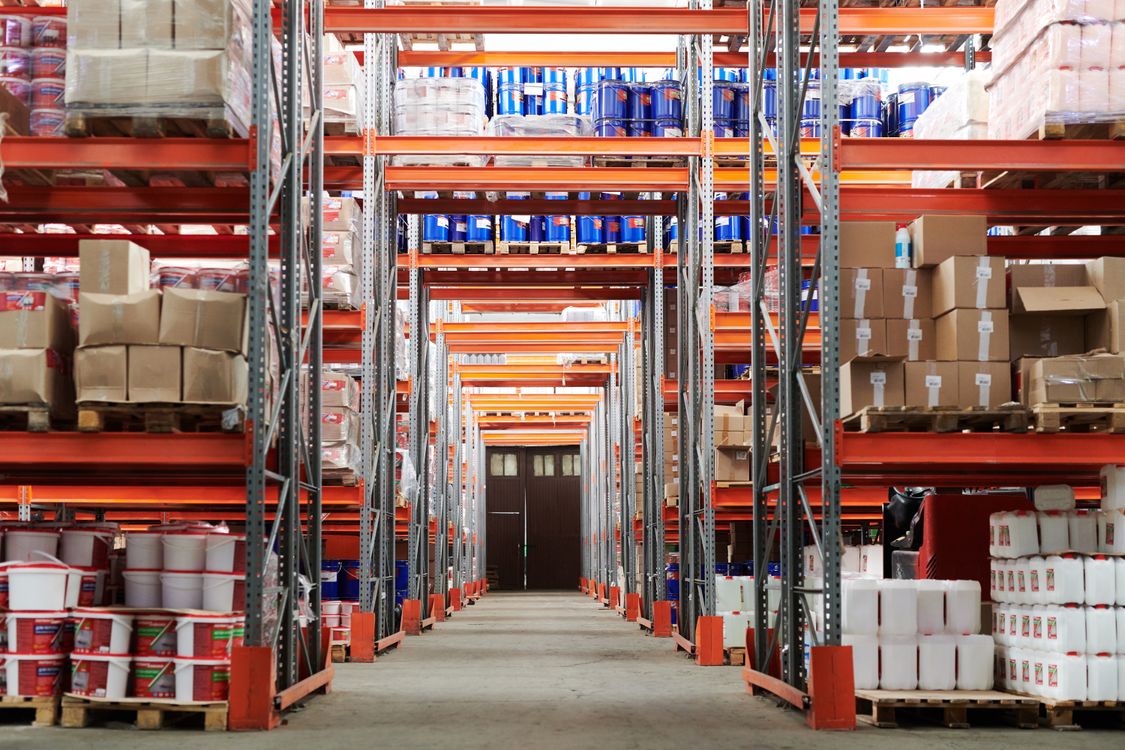
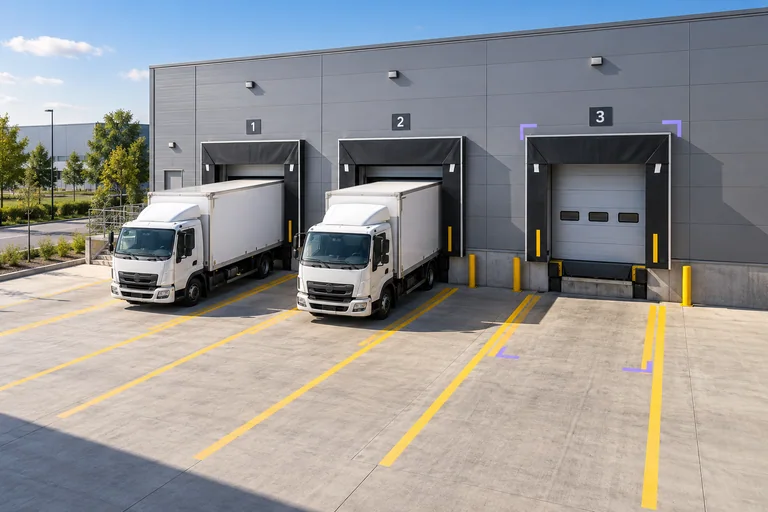
Trucks occupy two warehouse loading bays while a neighboring marked bay remains empty.APP CONCEPT
Logistics13 / 36

Loading Bay Radar

Camera data turns occupied bays into a live operations view.
Bay camerasDISPLOps app
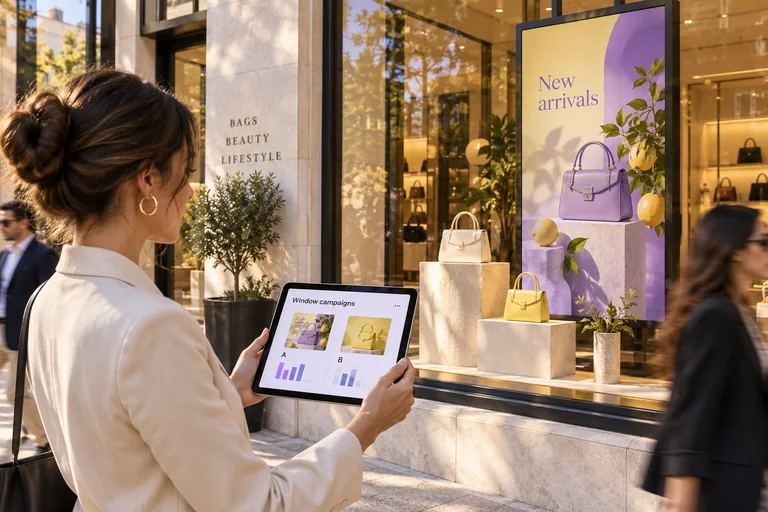
Retail window campaign display with a tablet comparing two approved creative variants.APP CONCEPT
Marketing14 / 36

Window Display Lab

Connect window-screen playback with camera footfall. Improve your next campaign.
Cameras + screensDISPLCampaign app
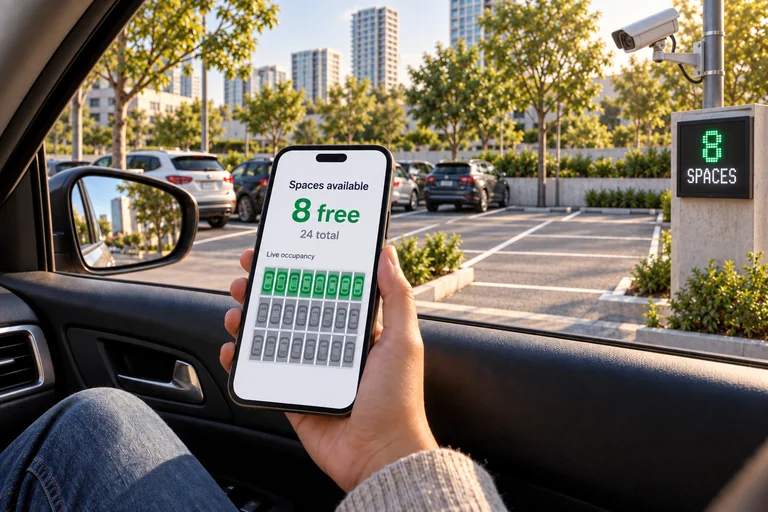
Phone showing eight available parking spaces beside camera-monitored outdoor parking bays and an entry occupancy display.APP CONCEPT
Connected product · Mobility15 / 36

Sensor-Powered Parking App

Turn camera and sensor occupancy into a parking app drivers can use.
Bay sensorsDISPLDriver app
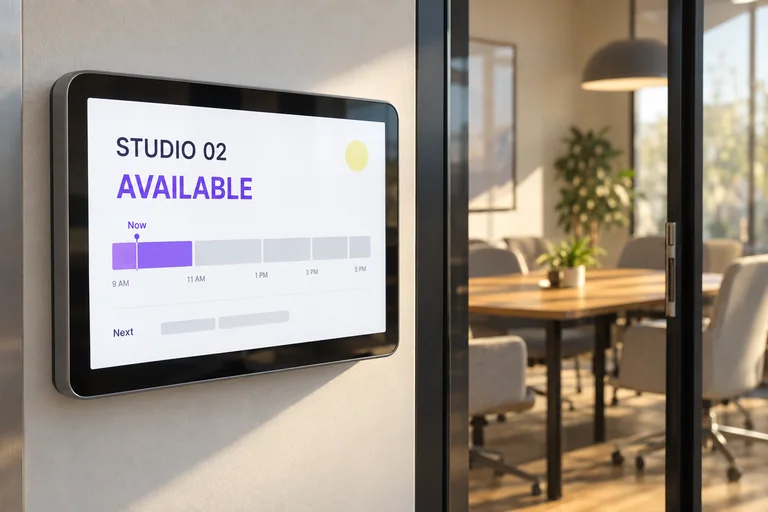
A room availability tablet beside a glass meeting room, showing available status and a private schedule.APP CONCEPT
Workplace16 / 36

Room Availability Board

Pair room sensors with calendars. Show free and occupied on door displays.
Room appDISPLRoom displays
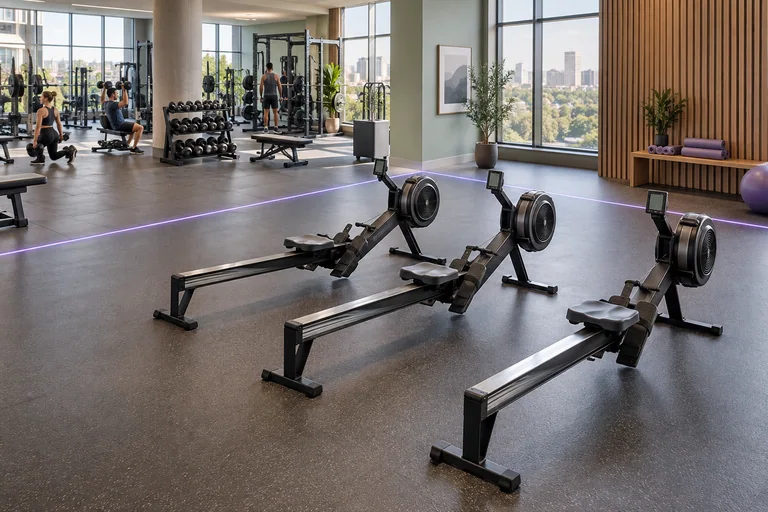
A quiet rowing zone beside a busier workout area in a bright modern gym.APP CONCEPT
Fitness17 / 36

Gym Space Finder

Turn camera counts into clear capacity boards for every workout zone.
Capacity appDISPLGym screens
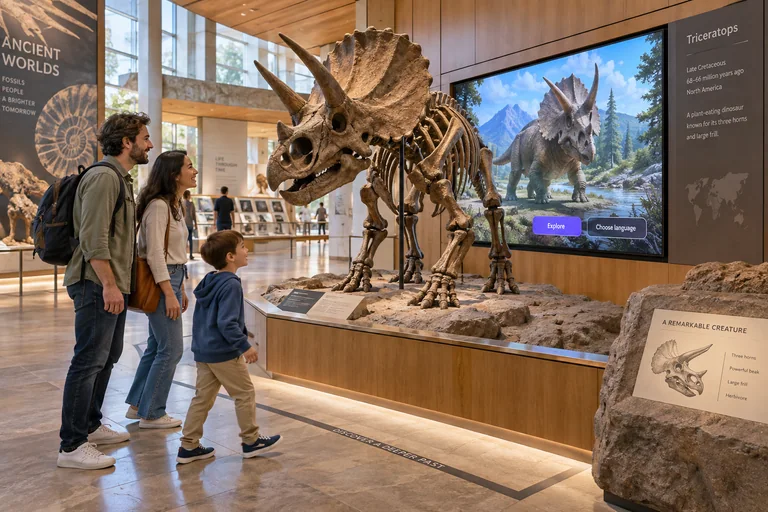
Museum visitors approaching an exhibit as its nearby display begins an illustrated guide.APP CONCEPT
Culture18 / 36

Responsive Exhibit

A visitor enters the zone. The exhibit screen starts its story.
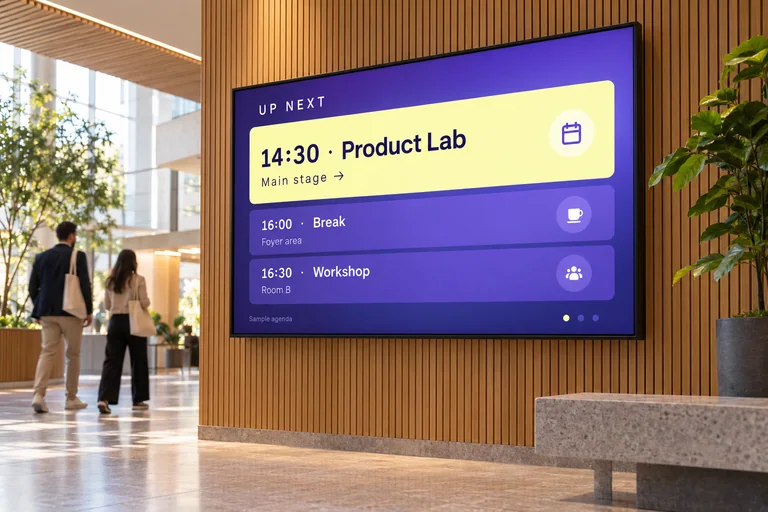
Exhibit appDISPLExhibit screen
A large conference venue screen displaying the next session, agenda and room directions.APP CONCEPT
Events19 / 36

Live Event Channel

Push room changes and the next session to screens across the venue.
Event appDISPLVenue screens
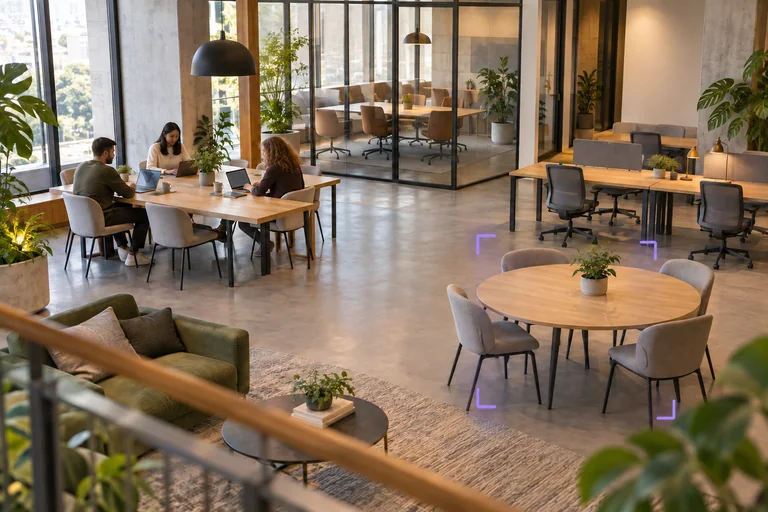
Shared office desks and meeting areas show both occupied and available workspaces.APP CONCEPT
Workplace20 / 36

Workspace Pulse

Camera occupancy shows which shared spaces are used, empty or getting busy.
CamerasDISPLUsage app
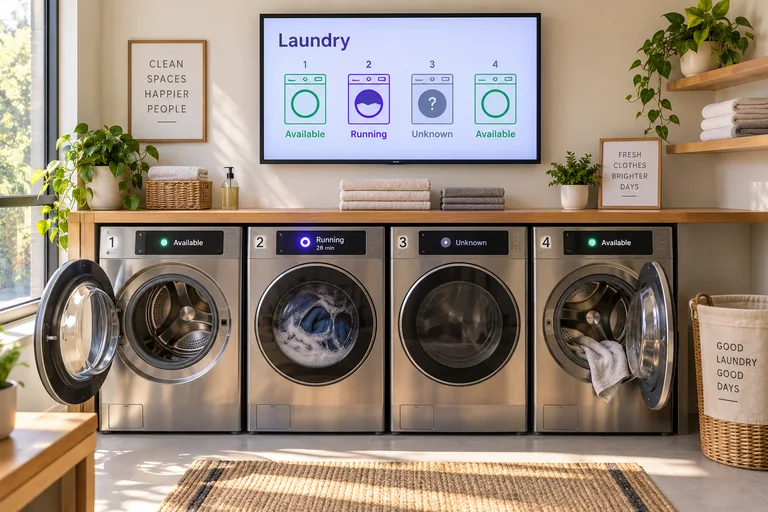
Modern shared laundry room with washers and a wall display showing machine availability.APP CONCEPT
Shared facilities21 / 36

Laundry Availability

Machine telemetry becomes an availability board on the wall and in your app.
MachinesDISPLStatus app
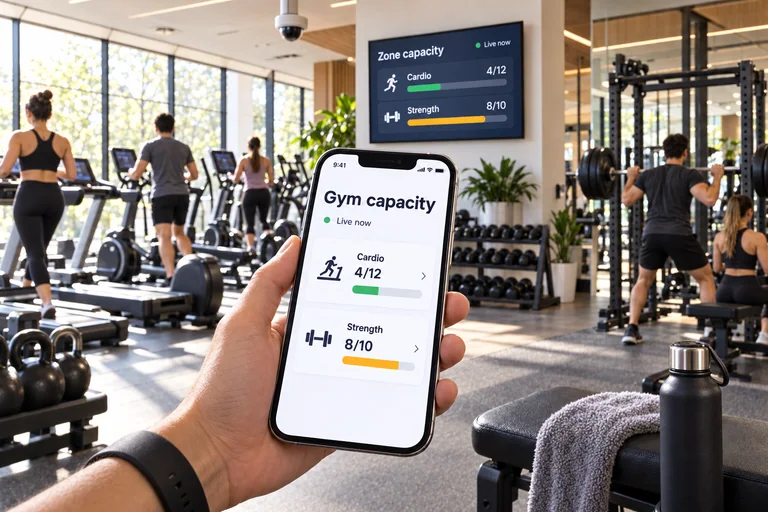
Gym member holding a phone with live Cardio and Strength zone capacity, with a ceiling occupancy camera and matching wall display behind it.APP CONCEPT
Connected product · Fitness22 / 36

Gym Capacity App

Let members check camera-based zone capacity before they walk into the gym.
Zone sensorsDISPLMember app
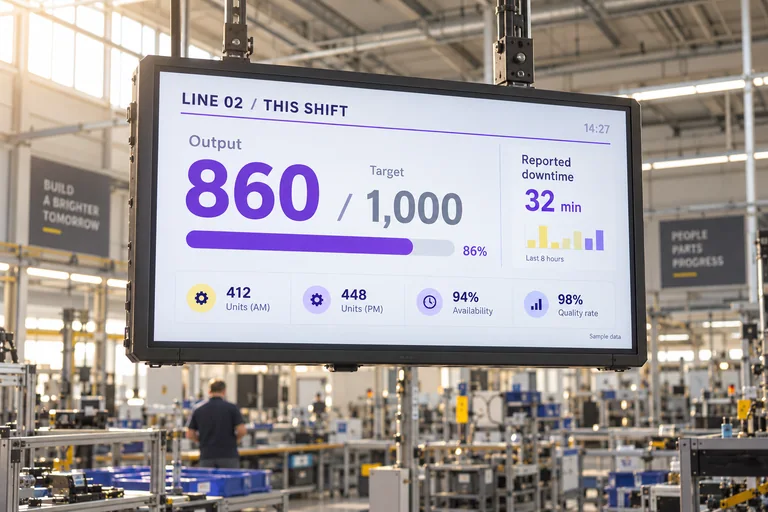
A large factory display showing shift output, target and reported downtime above an assembly line.APP CONCEPT
Manufacturing23 / 36

Production Scoreboard

Feed line-counter data into a live scoreboard above the factory floor.
Factory appDISPLFloor screens
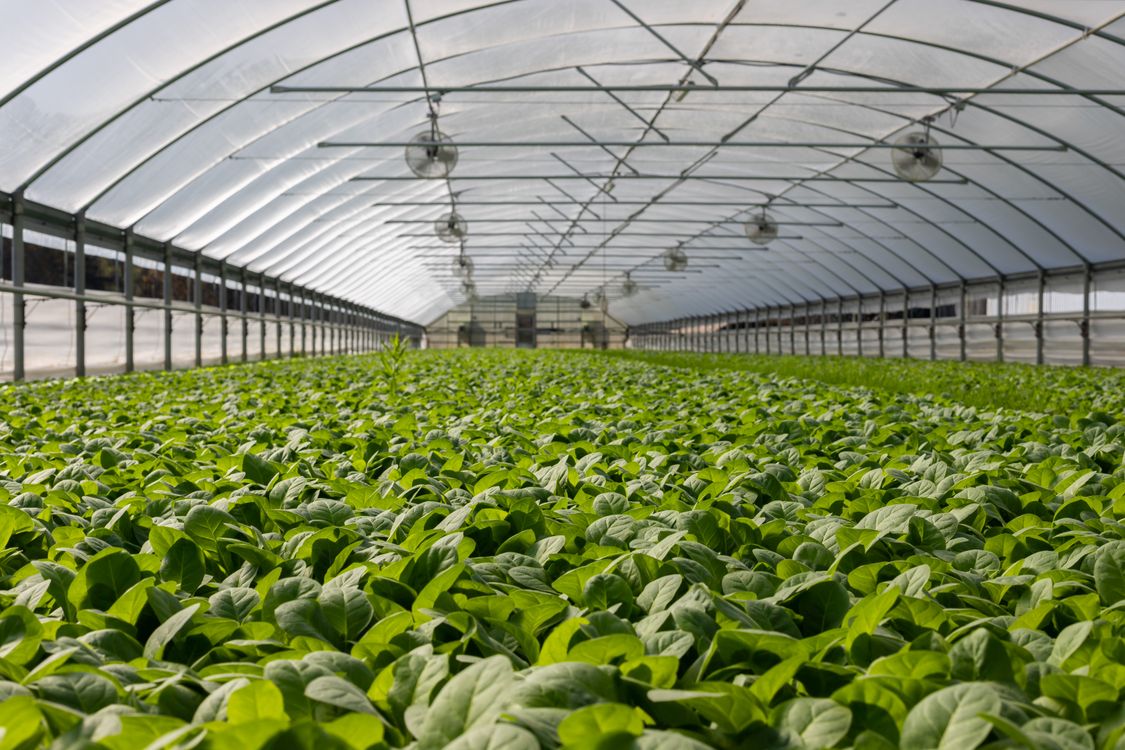
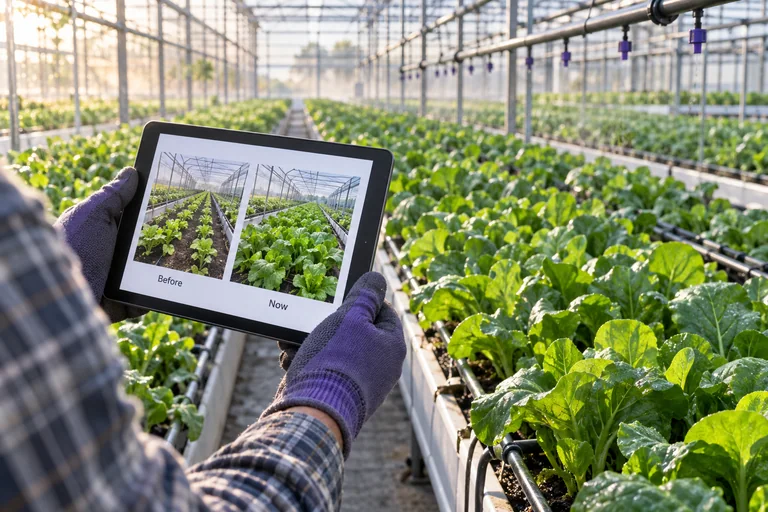
A tablet compares greenhouse growing rows while lush plants extend through the sunlit space.APP CONCEPT
Agriculture24 / 36

Greenhouse Diary

Scheduled camera captures become a visual growing-zone diary in your app.
CamerasDISPLReview app
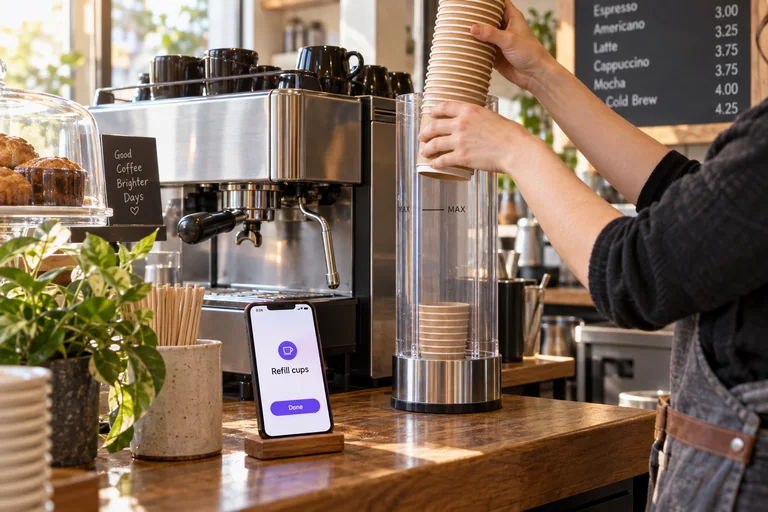
Cafe staff refilling a low paper cup stack beside a phone showing a refill task.APP CONCEPT
Food & beverage25 / 36

Coffee Station Helper

A camera or supply sensor flags a low stack. Your app sends a refill task.
Supply sensorsDISPLTask app
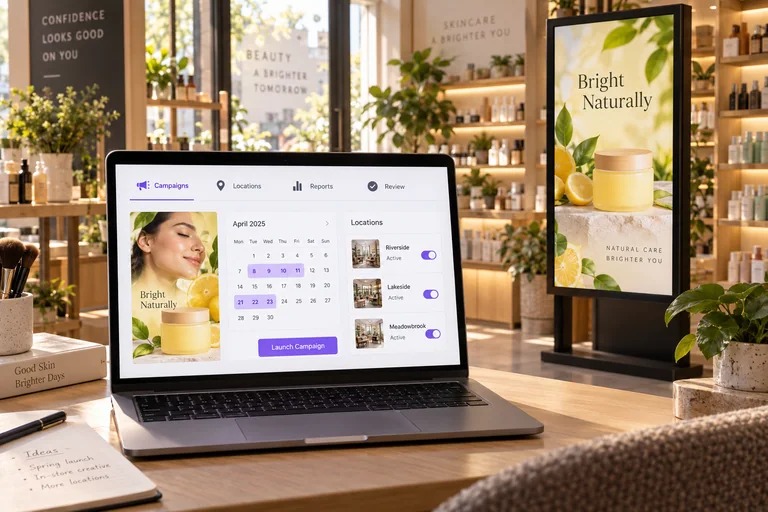
A laptop shows a retail screen campaign planner beside an active digital display in a modern store.APP CONCEPT
Connected product · Adtech26 / 36

Retail Media Client Portal

Sell campaigns across real store screens. Report playback and aggregate audience data.
Client portalDISPLStore screens
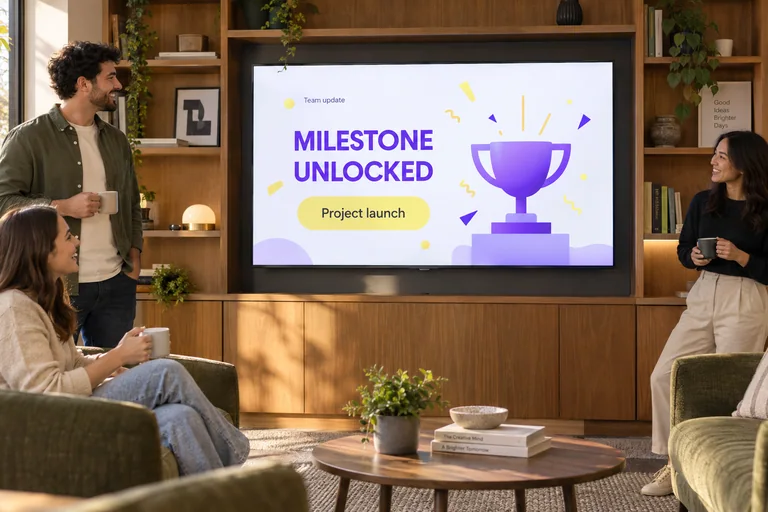
An office television celebrating an approved project milestone while colleagues gather in a lounge.APP CONCEPT
Workplace27 / 36

Team Wins TV

Turn approved milestones into a celebration channel on your office screen network.
Your appDISPLOffice TVs
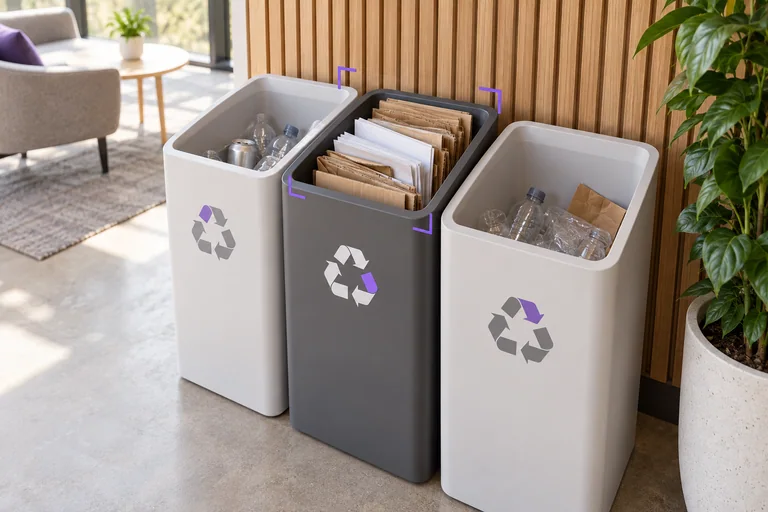
Paper recycling nearly fills one bin at a clean indoor recycling station.APP CONCEPT
Facilities28 / 36

Recycling Station Watch

Camera fill-level signals route collection tasks to the right station.
Bin camerasDISPLService app
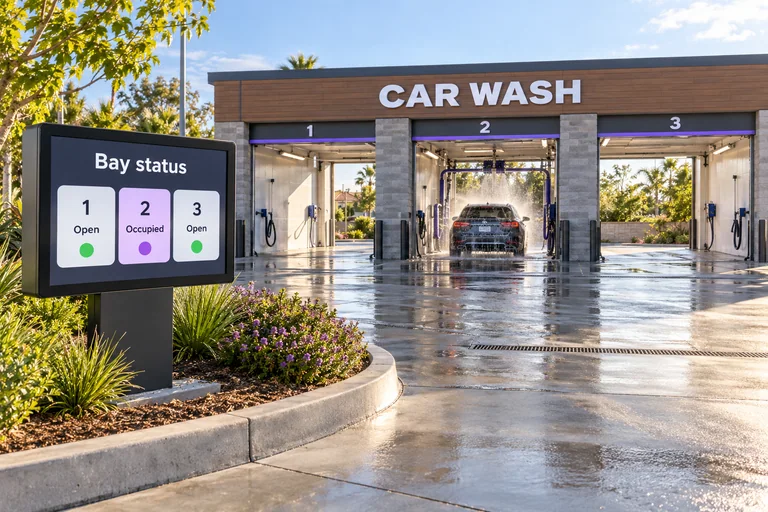
Car wash bays with a customer display showing open and occupied bay status.APP CONCEPT
Automotive29 / 36

Car Wash Flow

Connect bay cameras to your app. Guide customers with a live entrance screen.
Flow appDISPLEntry screen
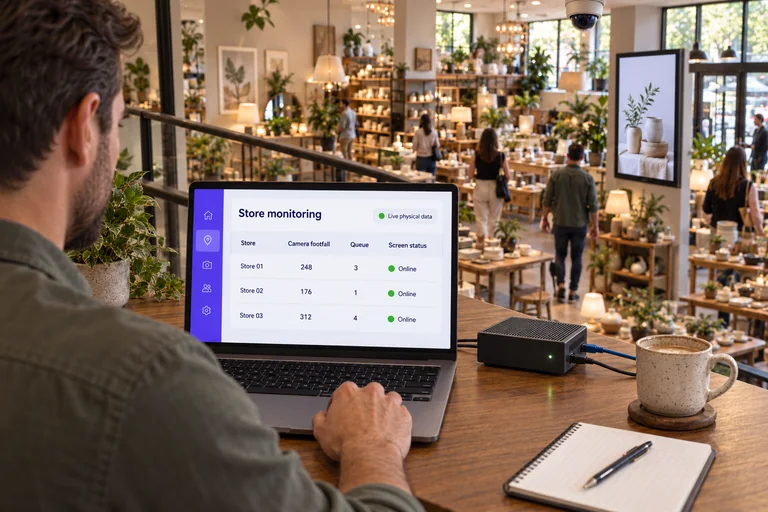
Store operator reviewing camera footfall, queue counts, and screen status across locations on a laptop beside an edge box, with a store camera and digital display visible.APP CONCEPT
Connected product · Analytics SaaS30 / 36

Connected Locations Portal

Give clients one branded view of camera traffic, queues and device health.
Edge telemetryDISPLClient portal
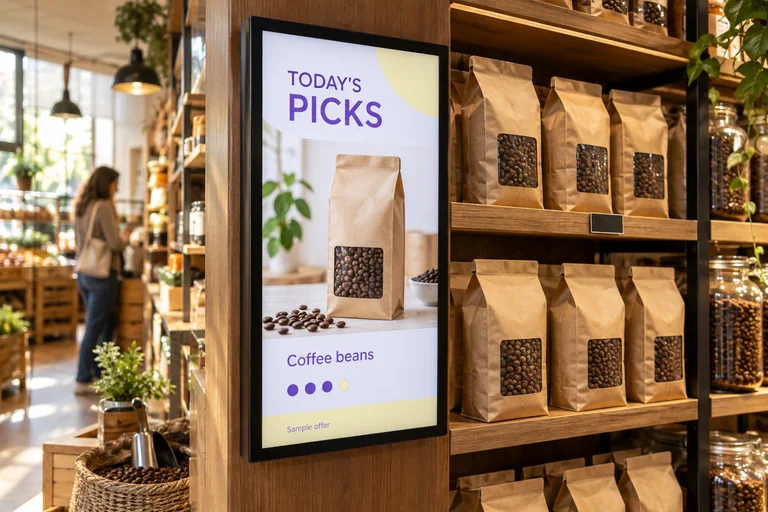
An in-store offer screen featuring coffee beans that are physically stocked on the adjacent shelf.APP CONCEPT
Retail31 / 36

Stock-Aware Offers

Update store displays from stock signals. Keep every promotion relevant.
Offer appDISPLStore screens
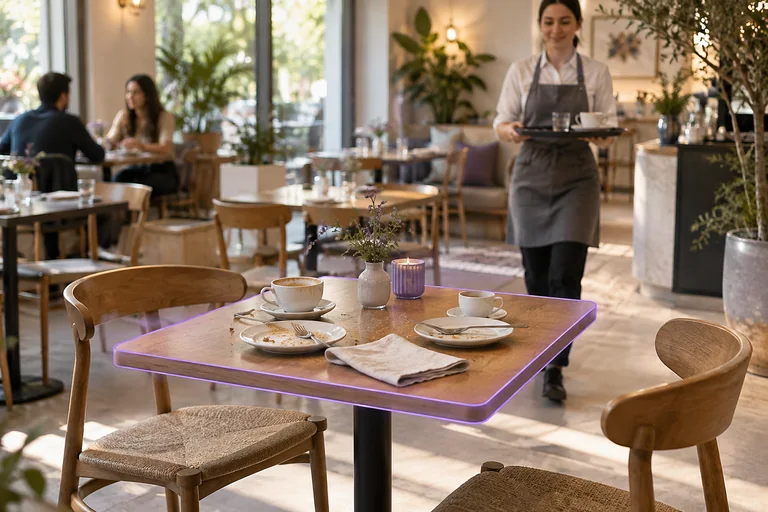
An unoccupied cafe table holds used cups and plates awaiting a staff reset.APP CONCEPT
Food & beverage32 / 36

Table Reset Assistant

A camera sees a table become vacant. Your app suggests a reset check.
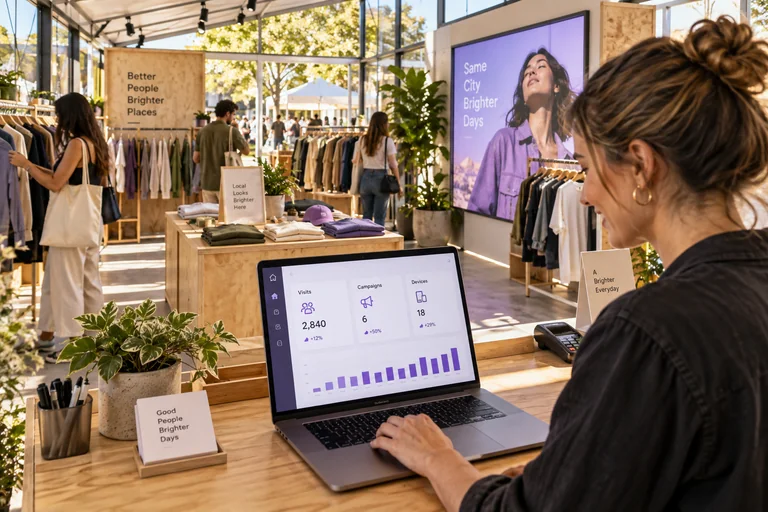
Table cameraDISPLStaff app
Pop-up shop manager using a dashboard for visitors, campaigns and device status.APP CONCEPT
Retail & events33 / 36

Pop-Up Command Center

Run cameras, edge devices and screens from one pop-up control app.
Device fleetDISPLControl app
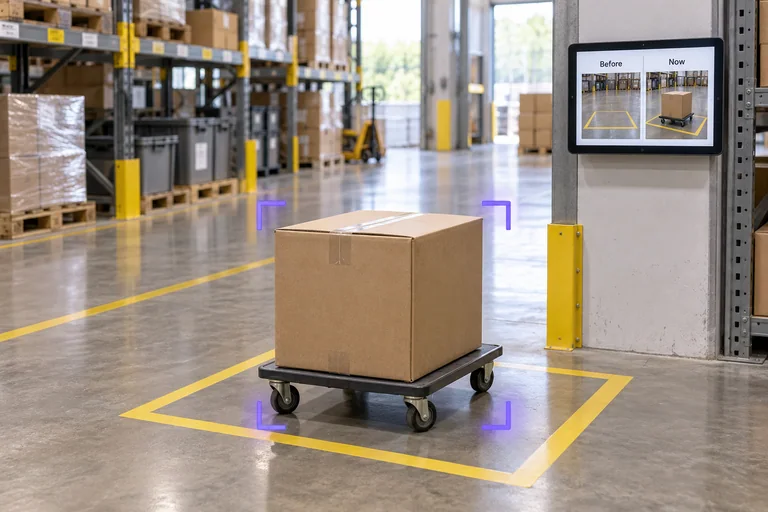
A newly placed carton stands inside a marked warehouse floor zone ready for review.APP CONCEPT
Operations34 / 36

Unexpected Change Watch

A camera spots a changed scene. Your app gets the evidence to review.
Zone cameraDISPLReview app
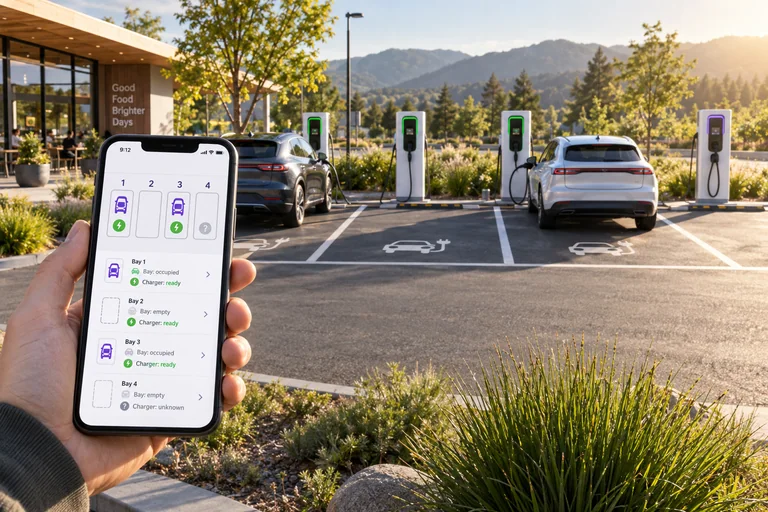
Phone showing separate bay occupancy and charger status beside electric vehicle charging spaces.APP CONCEPT
Parking35 / 36

Charging Bay Map

Combine camera occupancy with charger telemetry. Show both in your app.
Cameras + EVSEDISPLArrival app
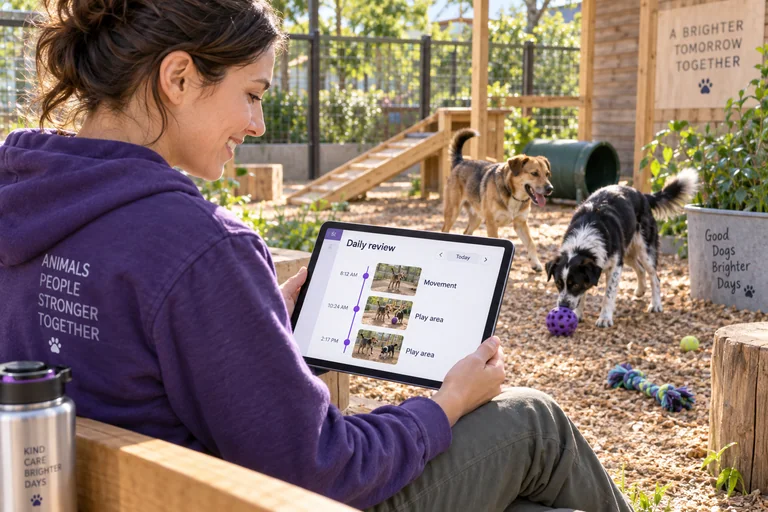
Shelter caretaker reviewing an activity digest on a tablet beside dogs in a sunlit play area.APP CONCEPT
Animal care36 / 36

Shelter Activity Digest

Camera activity events become a daily review for the caretaker team.

Area camerasDISPLCaretaker app
YOUR IDEA IS NUMBER 37.

What would you build?

Your starter prompt

Copy this into your AI assistant. It describes a planned DISPL workflow.

FROM YOUR IDEA TO YOUR AI

Create your app.

Start with a brief. Your AI helps you build it.

Choose your AI

Opens your AI in a new tab. Paste your brief to begin. Live DISPL connections are in development.